Flex Printing Color Guide – CMYK vs RGB (Graphic Designers के लिए Complete Tutorial)

Updated: Mar 9
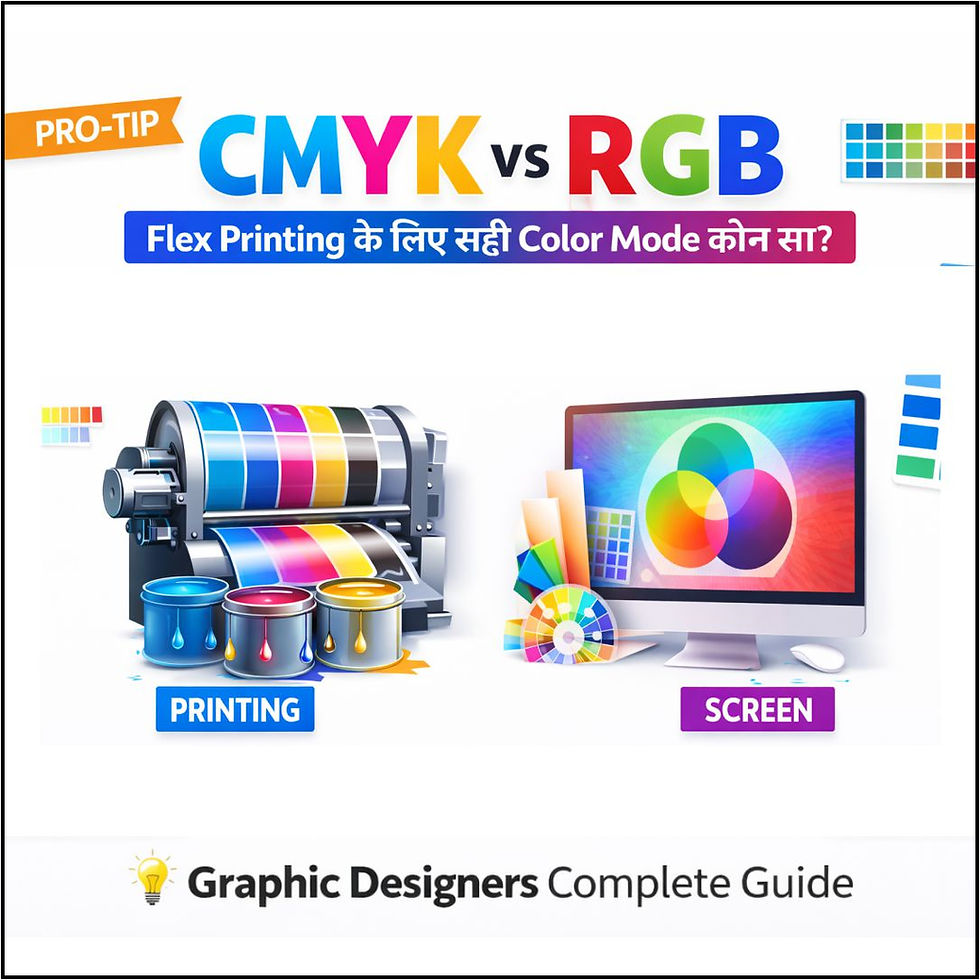
भूमिका – Flex Printing में Color की सबसे बड़ी Problem
बहुत सारे graphic designers जब flex banner या hoarding design बनाते हैं तो एक common problem आती है —Design screen पर अच्छा दिखता है, लेकिन print में रंग बदल जाते हैं।
कभी:
Red orange बन जाता है
Blue purple हो जाता है
Green dark दिखता है
Skin tone खराब लगती है
इसका सबसे बड़ा कारण होता है:
❌ गलत color mode का इस्तेमाल
इसीलिए आज इस tutorial में हम सीखेंगे:
✔ CMYK और RGB में क्या फर्क है
✔ Flex printing के लिए कौन सा color mode सही है
✔ CorelDRAW में color mode कैसे set करें
✔ Print aur screen color match कैसे करें
Flex Printing में Color Mode का Role
Flex printing एक physical print होता है, यानी जो चीज़ मशीन से print होकर निकलती है, वो ink पर depend करती है।
Printer:
Cyan
Magenta
Yellow
Black
इन चार inks से print करता है, जिसे हम कहते हैं CMYK।
जबकि screen पर दिखने वाला color होता है:
Red
Green
Blue
जिसे हम कहते हैं RGB।
CMYK vs RGB – दोनों में क्या फर्क है?
Feature | CMYK | RGB |
Use | Printing | Screen / Digital |
Output | Ink based | Light based |
Best for | Flex, Banner, Poster | Social media, Website |
Colors | Slight dull | Bright & glowing |
File size | Heavy | Light |

Flex Printing के लिए कौन सा Color Mode Best है?
👉 Flex Printing के लिए हमेशा CMYK use करें।
अगर आप RGB में design बनाएंगे तो:
❌ Print में color dull आएगा
❌ Shades change हो जाएंगे
❌ Client complain करेगा
❌ Reprint करना पड़ेगा
इसलिए professional designers हमेशा CMYK में काम करते हैं।
CorelDRAW में Color Mode कैसे Set करें?
Step-by-Step Guide:
1️⃣ CorelDRAW open करें
2️⃣ New document बनाएं
3️⃣ Color Mode में जाएं
4️⃣ CMYK Color select करें
5️⃣ Resolution 300 DPI रखें
6️⃣ Page size client के हिसाब से set करें
अब आपका design printing ready है।

RGB Design को CMYK में कैसे Convert करें?
अगर design पहले से RGB में बना है:
तरीका:
1️⃣ File open करें
2️⃣ Edit menu में जाएं
3️⃣ Convert to CMYK करें
4️⃣ Color balance check करें
5️⃣ जरूरत हो तो brightness adjust करें
Flex Printing में Color Matching Tips
✔ Dark color ज्यादा अच्छा print होता है
✔ Light color थोड़ा fade हो सकता है
✔ Gradient smooth रखें
✔ Neon colors avoid करें
✔ Black हमेशा rich black में रखें
Printing Press से पहले क्या पूछना चाहिए?
Professional designer हमेशा printer से पूछता है:
कौन सी मशीन है?
कौन सा material है?
कौन सा ink use होगा?
Resolution कितना चाहिए?
इससे color perfect match होता है।
Beginners की Common Mistakes
❌ RGB में flex design बनाना
❌ Mobile screenshot use करना
❌ Low quality images लगाना
❌ Bright neon colors use करना
❌ बिना proof के print देना
Professional Workflow
1️⃣ Client से size confirm करो
2️⃣ Printing material पूछो
3️⃣ CMYK mode में design बनाओ
4️⃣ Proof दिखाओ
5️⃣ Final print file export करो
Best Export Settings for Flex Printing
Format: PDF / JPG
Resolution: 300 DPI
Color Mode: CMYK
Compression: Low
Quality: High
Graphic Designers के लिए यह Guide क्यों जरूरी है?
इस guide से:
✔ Printing problem खत्म होगी
✔ Client satisfaction बढ़ेगी
✔ Rework कम होगा
✔ Professional image बनेगी
✔ Income बढ़ेगी
FAQs – Flex Printing Color Guide
Q1. क्या RGB में बनाया design print हो सकता है?
हो सकता है, लेकिन color सही नहीं आएगा।
Q2. Flex printing में 300 DPI जरूरी है?
हाँ, best quality के लिए जरूरी है।
Q3. Outdoor hoarding में color dark क्यों दिखता है?
Sunlight aur distance की वजह से।
Q4. क्या Photoshop में भी CMYK जरूरी है?
हाँ, printing के लिए CMYK ही सही है।
Professional Designer बनने का अगला Step
अगर आप graphic design को seriously लेना चाहते हैं और printing industry में काम करना चाहते हैं, तो CMYK aur RGB का सही knowledge बहुत जरूरी है।
Ye guide aapko ek better aur professional designer banane me help karegi.
संबंधित लेख (Related Articles)
✅ BEST & RECOMMENDED LINE
नोट: इस पोस्ट से संबंधित CDR डिज़ाइन फाइलें जल्द ही अपलोड की जाएंगी। हमारी टीम इस पर काम कर रही है। कृपया वेबसाइट को विज़िट करते रहें।


Comments